Figure Shop Simulator Epic Figures Guide
Sell exclusive large figures that only Epic printers can produce.
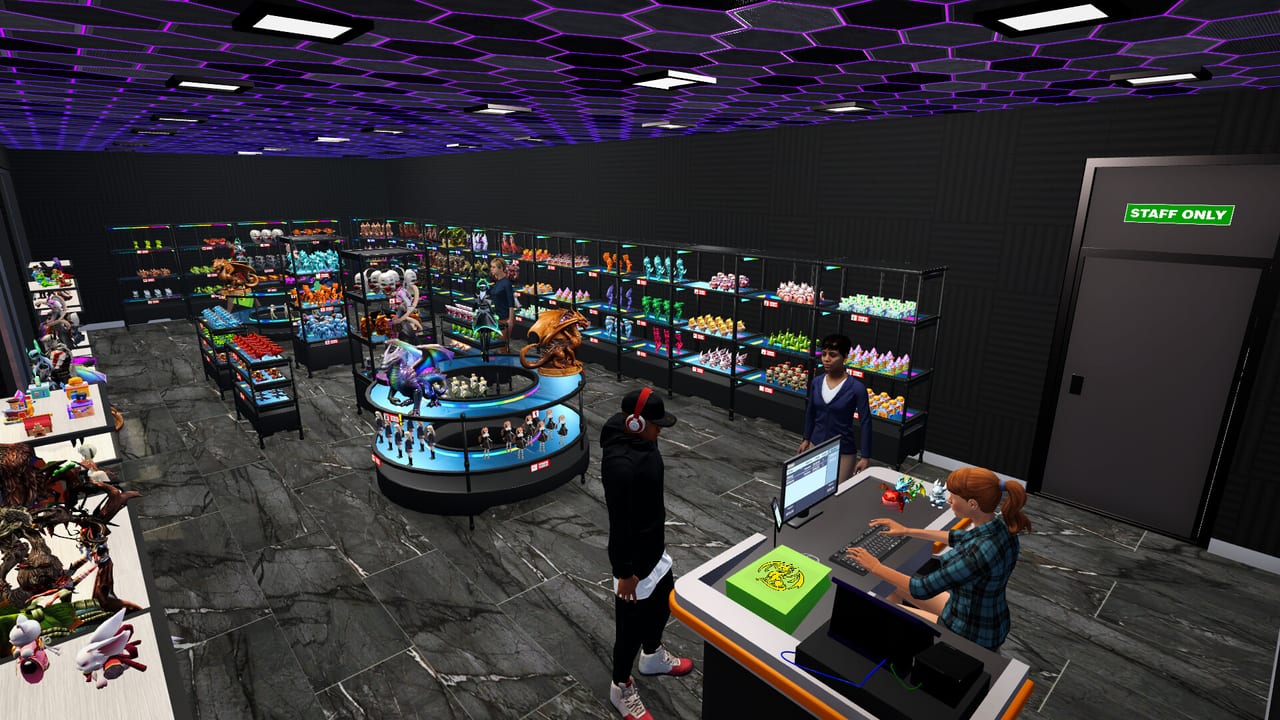
Epic figures are the showpieces of Figure Shop Simulator—larger, exclusive, and gated behind the Epic printer. Customers specifically ask for missing Epic names in the comments panel, so incomplete Epic coverage shows up as popularity leaks.
Production requirements
You need an Epic Printer, compatible filament handling, and time. Expect longer crafts. Parallelize with standard printers for cash.
Display requirements
Use large or Epic shelf types from furniture updates. Standard racks may not present them correctly. Shelf Management covers remodeling.
Example Epic set: Mystic Maidens
A 2026 update introduced Mystic Maidens with figures such as Mystic, Lunelle, Nyrielle, Akirae, Velora, and Kitsura. Treat named requests in comments as a checklist.
Demand management
Epics sell as trophies. Price with confidence using Pricing Strategy, but keep at least one unit visible. Online sales can drain Epics quickly—buffer trays in the warehouse.
Related
Collection Sets, Automate Production, Online Sales.
Spotlight economics
Epic figures are conversation pieces. Place them where entering customers see them within seconds. If Epics hide in a back corner, comments still ask for them because shoppers never noticed the stock.
Restock asymmetry
Epics sell slower per unit but hurt harder when missing. Keep a dedicated warehouse Epic shelf with at least one spare tray per active exclusive. Online sales can delete your only floor copy overnight (Online Sales).
Naming literacy
Learn the display names—Lunelle, Nyrielle, Akirae, Velora, Kitsura, and friends—so comments become actionable. Translate comment complaints into print queues the same morning.
Prestige pricing without greed
Epics support higher tags, yet empty exclusives destroy trust. Price from the Pricing Helper Epic band only while reprints are scheduled.
Engineer dependency
Long-term Epic shops want the Printer Engineer. Until then, block calendar time for manual filament and tray pulls.
Session takeaway for Figure Shop Simulator Epic Figures Guide
Keep a spare Epic tray in warehouse for every exclusive on the floor.
When this page stops answering your current bottleneck, jump to the linked sibling articles in the same category rather than rereading the entire wiki. Figure Shop Simulator rewards focused fixes: filament, shelves, staffing, or pricing—one lever per day usually beats five half-finished remodel projects.
Epic demand telemetry
Comments naming Lunelle, Nyrielle, Akirae, Velora, Kitsura, or other exclusives are production tickets, not flavor text. Print the named figure the same morning, shelve one tray up front, and park a spare in the Epic warehouse rack. Online orders can delete your only floor copy overnight—see Online Sales.
Price Epics with confidence using Pricing Helper bands, but never fire-sale exclusives just to clear a queue. Prestige dies when everything is discounted.
Engineer readiness belongs on your calendar: until Printer Engineer is hired, block time for manual Epic filament checks described in Automate Production.
Epic aisle design
Give exclusives a spotlight within seconds of the entrance. Hidden Epics still generate “missing” comments because shoppers never saw them. Use Epic furniture from later shelf updates, cooler or richer wall paints, and clear paths so stockers can replenish without clipping.
Coordinate filament specialty with Filament Guide and keep Complete Collections open while you chase named maidens and other exclusives.
Deep dive sidebar for Figure Shop Simulator Epic Figures Guide
Players searching for Figure Shop Simulator Epic Figures Guide usually arrive with a single pain point: empty shelves, slow Epic jobs, confusing staff, or uncertain prices. Answer that pain with one change, then measure popularity and cash across the next full day in Figure Shop Simulator. If both metrics improve, lock the habit. If not, read the sibling link that matches the new symptom instead of stacking five half-finished remodel projects.
For figures-epic-figures, write a three-line journal entry after the session: what you clicked, what resource stayed healthy, and what still broke. That journal becomes more valuable than rereading the entire wiki. Keep filament, warehouse trays, and auto refill as the universal foundation even when this page focuses elsewhere, because those three foundations silently support almost every advanced system from online orders to premium-only achievement pushes.
Finally, schedule a weekly review against Patch Notes so advice on Figure Shop Simulator Epic Figures Guide stays aligned with your live build. Early Access tips age quickly; 1.0 quality-of-life options can change how aggressively you chase automation. Unique closer for figures-epic-figures: lock today’s lesson into tomorrow’s opening checklist before buying more furniture.
Frequently Asked Questions
Quick answers to the most common questions.
Can standard printers make Epic figures?
No. Epic sets require the Epic printer lane.
Why do comments mention a missing Epic name?
Customers want that SKU on shelves—print and display at least one tray.