Figure Shop Simulator Achievement Checklist Tool
Track all 24 Steam achievements with practical unlock notes.
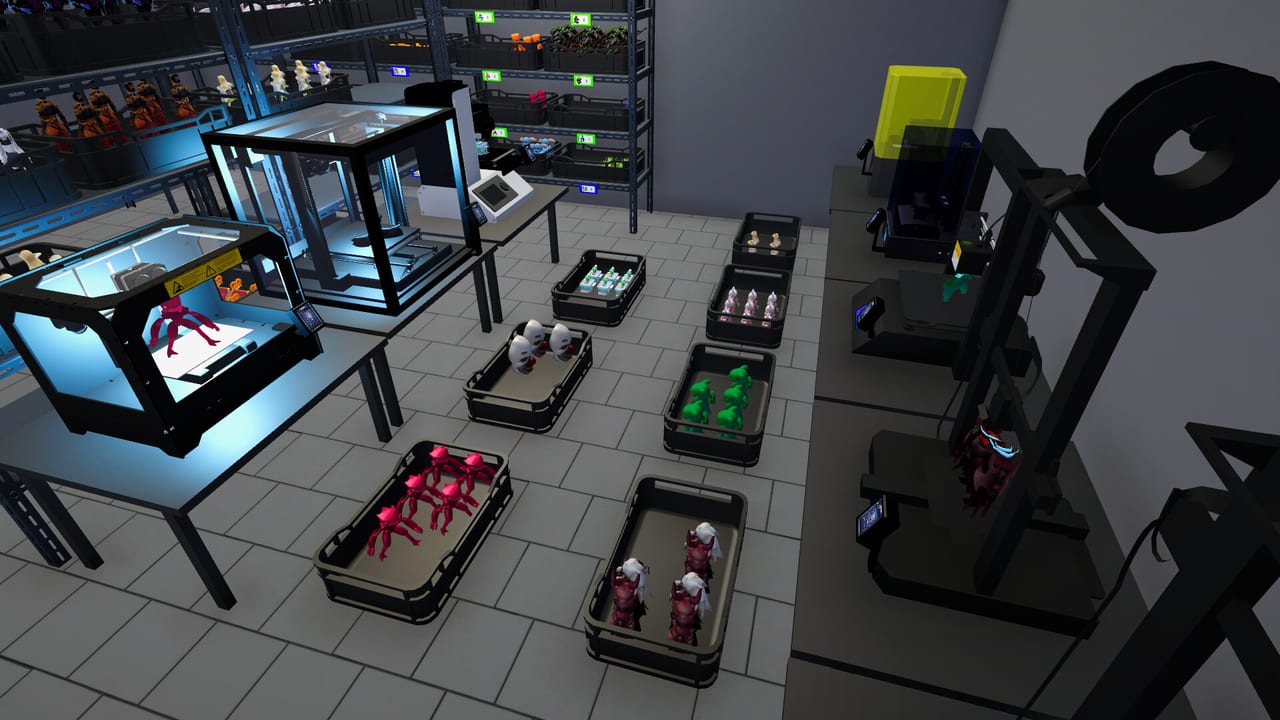
Figure Shop Simulator ships with 24 Steam achievements. Use this checklist while you play; tick items in a note app as you unlock them.
Early progress
- Brand / shop identity milestones
- First collection completed
- Buying an entire set in one go
- Sales Milestone I (around 100 sales)
- Shop expansion and warehouse expansion
- First advanced-quality print
- First stock worker, cashier, and printer worker hires
Mid milestones
- Sales Milestone II (~750 sales)
- Popularity tiers (local favorite through citywide sensation and beyond)
- Decor achievements (style / designer touch)
- First Epic / premium production milestones
Late and completionist
- Sales Milestone III (high total sales—note some counters may track from current progress oddly per community reports)
- Fame and CEO-style full staff achievements
- The Grand Collection (every set unlocked)
- Master of Craft / Legendary Maker style production feats
- Master of Perfection — premium catalog shelved correctly
- One of Everything style catalog goals
Exact Steam titles include strings like Complete Collection!, All in One Go, Next Level Printing!, Finally Some Help!, Show Me the Money!, Work Smarter Not Harder!, Master of Perfection, and CEO of Figures.
Master of Perfection tips
Community consensus:
- Open the shop then immediately close so time flows with fewer customers.
- Print spare premium (and needed Epic) trays.
- Ensure at least one tray of each required figure sits on warehouse or shop shelves.
- Some players refresh shelf types so old prices do not linger.
More: Complete Collections, Premium Figures.
Video context
Staff and achievement systems are demonstrated in the workers update VOD linked from Printer Worker.
Related
Session templates
Sales night: ignore decor, keep shelves full, push volume for milestones.
Perfection weekend: open-close trick, premium trays, warehouse proofs, no online drain.
Staffing day: grind popularity with complete sets, hire the next role, unlock the matching achievement.
Tracking method
Copy achievement names into a notes app. Check Steam overlay after each session. Do not trust memory after eighty-day saves.
Patch caution
Achievement logic can feel sticky. Community threads about Master of Perfection show multiple valid end states (warehouse trays versus final shelf placement). If stuck, re-read tips above and ensure every new set from Collection Sets is included.
Motivation
Achievements are optional. A profitable cozy shop that never hunts CEO badges is still a successful save. Use this tool only if completion is your fun.
Session takeaway for Figure Shop Simulator Achievement Checklist
Run sales nights and perfection weekends as separate session templates.
When this page stops answering your current bottleneck, jump to the linked sibling articles in the same category rather than rereading the entire wiki. Figure Shop Simulator rewards focused fixes: filament, shelves, staffing, or pricing—one lever per day usually beats five half-finished remodel projects.
Template weekends
Sales night: volume focus, ignore decor. Perfection weekend: open-close trick, premium trays, no online drain. Staffing day: complete sets to raise popularity for the next hire.
Copy the 24 Steam names into notes and check the overlay after each session. If Master of Perfection sticks, verify every new pack from Collection Sets has shelved trays, not just clipboard ticks.
Motivation boundary
Achievements are optional fun. A cozy profitable shop that never hunts CEO badges is still a successful save. Use this checklist only when completion is your hobby. When stuck, prefer community shelf-tray proofs over restarting eighty-day saves, and confirm patch-era differences via Version History.
Deep dive sidebar for Figure Shop Simulator Achievement Checklist
Players searching for Figure Shop Simulator Achievement Checklist usually arrive with a single pain point: empty shelves, slow Epic jobs, confusing staff, or uncertain prices. Answer that pain with one change, then measure popularity and cash across the next full day in Figure Shop Simulator. If both metrics improve, lock the habit. If not, read the sibling link that matches the new symptom instead of stacking five half-finished remodel projects.
For tools-achievement-checklist, write a three-line journal entry after the session: what you clicked, what resource stayed healthy, and what still broke. That journal becomes more valuable than rereading the entire wiki. Keep filament, warehouse trays, and auto refill as the universal foundation even when this page focuses elsewhere, because those three foundations silently support almost every advanced system from online orders to premium-only achievement pushes.
Finally, schedule a weekly review against Patch Notes so advice on Figure Shop Simulator Achievement Checklist stays aligned with your live build. Early Access tips age quickly; 1.0 quality-of-life options can change how aggressively you chase automation. Unique closer for tools-achievement-checklist: lock today’s lesson into tomorrow’s opening checklist before buying more furniture.
Frequently Asked Questions
Quick answers to the most common questions.
How many achievements are there?
Steam lists 24 achievements for Figure Shop Simulator.
Why did sales milestones not unlock?
Some players report counters behaving oddly across days—keep selling and check Steam overlay progress.
Does Master of Perfection need Epics?
Community unlocks often required premium coverage and shelved trays across the catalog, including newer sets.