Figure Shop Simulator Epic Printer Guide
Unlock exclusive Epic sets without letting slow laser jobs freeze your shop.
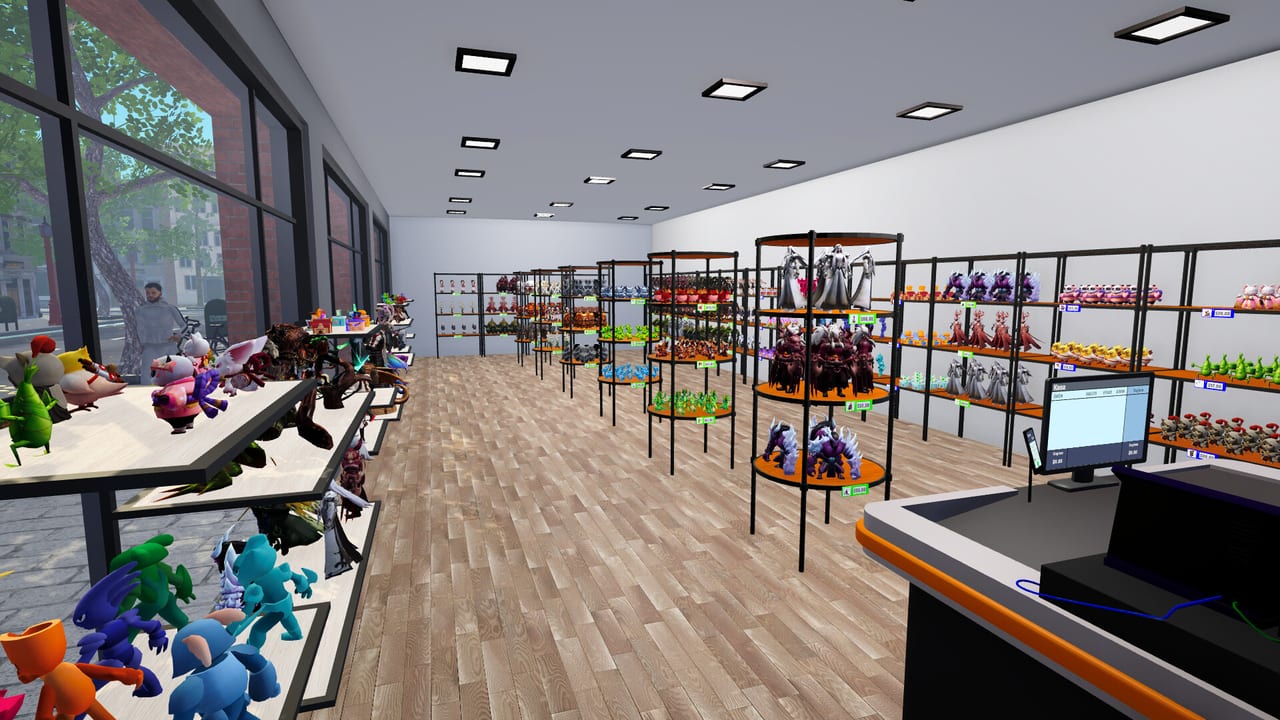
The Epic Printer is the prestige production machine in Figure Shop Simulator. Introduced in the Early Access Epic update line, it prints exclusive large figures that standard machines cannot. This guide covers when to buy one, how to staff it, and how it interacts with shelves and achievements.
What makes it Epic
- Access to exclusive Epic figure sets
- Larger physical prints needing special shelves
- Longer craft times per unit—patience required
- Special filament or manual refill rules depending on patch
Read set lists under Epic Figures and Collection Sets.
Timing the purchase
Buy after standard and advanced printing already fund expansions. An Epic printer that sits idle for filament or warehouse space is a cash trap. Prepare Epic-capable shelves and warehouse room first (Shelf Management).
Automation path
Printer workers initially skipped full Epic filament automation. The Printer Engineer hire later allowed Epic printers to join the automated layer. Follow Printer Engineer and Automate Production.
Floor planning
Epic jobs take multiple in-game hours in some builds. Parallelize with standard printers so commons keep selling. Do not convert every bay to Epic until online and offline demand for exclusives is proven.
Achievements
Printing your first Epic figure and completing Epic collections feed the 24 Steam achievements. Track them with the Achievement Checklist.
Related
Filament Guide, Premium Figures, Complete Collections.
Capital planning
Epic printers are large purchases. Save a cash buffer for filament and Epic shelves in the same shopping trip. A printer without shelves creates warehouse dead stock that still took hours to craft.
Parallel throughput math
If an Epic job takes multiple in-game hours, calculate how many standard figures you could have printed instead. Run both lanes. Epic prestige funds itself when commons pay the bills.
Engineer readiness checklist
- Epic printer built and powered in a reachable bay
- Filament type stocked
- Warehouse Epic shelves exist
- Auto refill enabled on Epic shop displays
- Popularity gate for engineer unlocked
Then hire via Printer Engineer.
Merchandising Epics
Give Epics a spotlight aisle. Hiding them behind commons wastes the exclusivity story customers chat about in comments.
Session takeaway for Figure Shop Simulator Epic Printer Guide
Fund Epic shelves and filament in the same shopping trip as the machine.
When this page stops answering your current bottleneck, jump to the linked sibling articles in the same category rather than rereading the entire wiki. Figure Shop Simulator rewards focused fixes: filament, shelves, staffing, or pricing—one lever per day usually beats five half-finished remodel projects.
Epic capital package
Never buy the machine alone. Budget the same day for Epic shelves, filament specialty, and warehouse room. Idle Epic printers are expensive sculptures. Parallelize with standard printers so commons fund the prestige lane while long jobs finish.
Achievement hunters: first Epic print milestones feed the 24-success list—track them beside Premium Figures goals.
Parallel throughput discipline
If an Epic job takes multiple in-game hours, calculate how many standard figures you forgo. Always run commons in parallel. Prestige that bankrupts payroll is a failed flex. Spotlight Epic finished goods on dedicated aisles so the craft time converts into margin via Pricing Strategy.
Deep dive sidebar for Figure Shop Simulator Epic Printer Guide
Players searching for Figure Shop Simulator Epic Printer Guide usually arrive with a single pain point: empty shelves, slow Epic jobs, confusing staff, or uncertain prices. Answer that pain with one change, then measure popularity and cash across the next full day in Figure Shop Simulator. If both metrics improve, lock the habit. If not, read the sibling link that matches the new symptom instead of stacking five half-finished remodel projects.
For printers-epic-printer, write a three-line journal entry after the session: what you clicked, what resource stayed healthy, and what still broke. That journal becomes more valuable than rereading the entire wiki. Keep filament, warehouse trays, and auto refill as the universal foundation even when this page focuses elsewhere, because those three foundations silently support almost every advanced system from online orders to premium-only achievement pushes.
Finally, schedule a weekly review against Patch Notes so advice on Figure Shop Simulator Epic Printer Guide stays aligned with your live build. Early Access tips age quickly; 1.0 quality-of-life options can change how aggressively you chase automation. Unique closer for printers-epic-printer: lock today’s lesson into tomorrow’s opening checklist before buying more furniture.
Frequently Asked Questions
Quick answers to the most common questions.
When were Epic printers added?
During the Early Access v0.2.8 era update that introduced Epic printers and figures.
Can stockers remove Epic prints?
Updated stockers place finished figures on shelves; filament rules for Epic may still need the engineer.
Why is my Epic print so slow?
Epic jobs are intentionally long—run standard printers in parallel for cash flow.