Figure Shop Simulator How to Manage Shelves and Stock
Layouts, auto refill, and tray routing that keep customers and stockers productive.
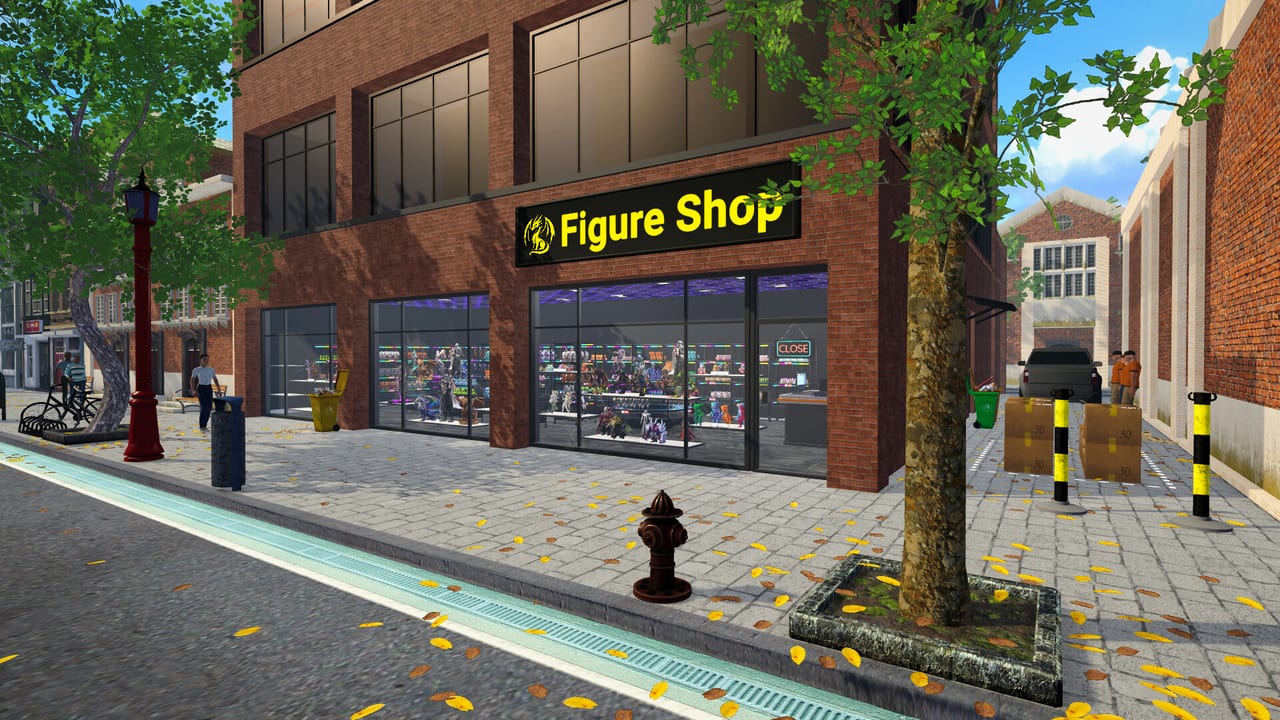
Shelves are the public face of your factory. Beautiful printers mean nothing if displays are empty, mispriced, or impossible for stockers to service. This guide covers placement, auto refill, warehouse buffers, and how to move figures between shelves without breaking prices.
Shop floor principles
- Keep aisles clear so customers and you can path to the register.
- Group collection sets together—completing sets raises satisfaction and unlocks collection achievements.
- Put high-demand SKUs at eye level near the entrance once you learn traffic patterns.
- Leave space for Epic-sized shelves when those unlock; large figures need dedicated furniture from later updates.
Auto refill is mandatory with staff
After hiring a stock worker, open each shelf and enable auto refill. This is the switch that lets employees restock from warehouse trays. Players who skip it wonder why workers wander. Re-check the toggle after rearranging furniture—moves can leave slots misconfigured.
Warehouse first, shop second
Treat the warehouse as your buffer. Stockers need trays waiting. If everything sits only on the shop floor, a rush empties displays and production has nowhere to park overflow. Expand warehouse zones when prompted by growth updates; Epic stock shelves were added specifically for oversized inventory.
Moving figures between shelves
You can relocate trays when optimizing layouts. Select figures and place them onto the destination display. Use rotation while placing for facing. The short video embedded below demonstrates moving figures between shelves—useful when remodeling for neon sets or Epic furniture.
Pricing stays attached to presentation
Some community tips note that old prices can stick if you do not refresh tags after major shelf swaps. After remodeling, verify tags, especially when chasing premium-only achievements. Pair with Pricing Strategy and the Pricing Helper.
Related guides
Getting Started, Hire Employees, and Automate Production all assume clean shelf hygiene.
Layout archetypes
Gallery layout: sets in blocks along walls, register near entrance, warehouse door unobstructed. Best for collection showcases.
Factory-forward layout: printers visible behind a low divider, shop floor thinner, warehouse deeper. Best when you still babysit Epic jobs.
Hybrid 1.0 layout: gallery for walk-ins, factory wing for production, online buffer shelves in warehouse only.
Pick one archetype for a week before mixing. Constant reshuffles break auto refill habits and worker paths.
Tag and tray hygiene
After any move, scan every price tag. Community reports of sticky old prices after shelf swaps are common enough to treat as real. If chasing premium-only achievements, replace furniture deliberately and re-tag.
Keep one empty shelf slot as a staging bay for new prints so stockers have a legal destination while you rearrange themed displays.
Popularity furniture
Some shelves grant different popularity values. Hotfixes adjusted incorrect values during Early Access—another reason to skim Patch Notes after buying a neon set you saw in a video.
Connecting to collections
Shelf management is how Complete Collections becomes visible to customers. A complete set in the warehouse does not impress walk-ins. Stage completed sets on contiguous shop shelves, then store overflow behind the scenes.
Session takeaway for Figure Shop Simulator Shelf Management Guide
Re-toggle auto refill on every moved shelf before blaming worker AI.
When this page stops answering your current bottleneck, jump to the linked sibling articles in the same category rather than rereading the entire wiki. Figure Shop Simulator rewards focused fixes: filament, shelves, staffing, or pricing—one lever per day usually beats five half-finished remodel projects.
Layout contracts
Gallery layouts sell collections. Factory-forward layouts babysit Epic jobs. Hybrid 1.0 layouts separate walk-in galleries from production wings. Pick one contract for a week; constant reshuffles break auto refill and worker paths.
After moves, retag everything—sticky old prices sabotage premium-only goals. Leave one staging shelf empty for inbound trays so stockers always have a legal destination.
Frequently Asked Questions
Quick answers to the most common questions.
How do I enable auto refill?
Select a shelf and use the auto refill control (often shown in the on-screen prompt area) so stockers can replenish it.
Why will figures not fit a shelf?
Epic figures need larger shelf types unlocked in updates. Use the matching Epic display furniture.
Should every figure be on the shop floor?
No. Keep warehouse trays as buffers so restockers and printers stay efficient.