Figure Shop Simulator Printer Engineer Role Guide
Delegate Epic production once online sales and exclusives overwhelm manual refills.
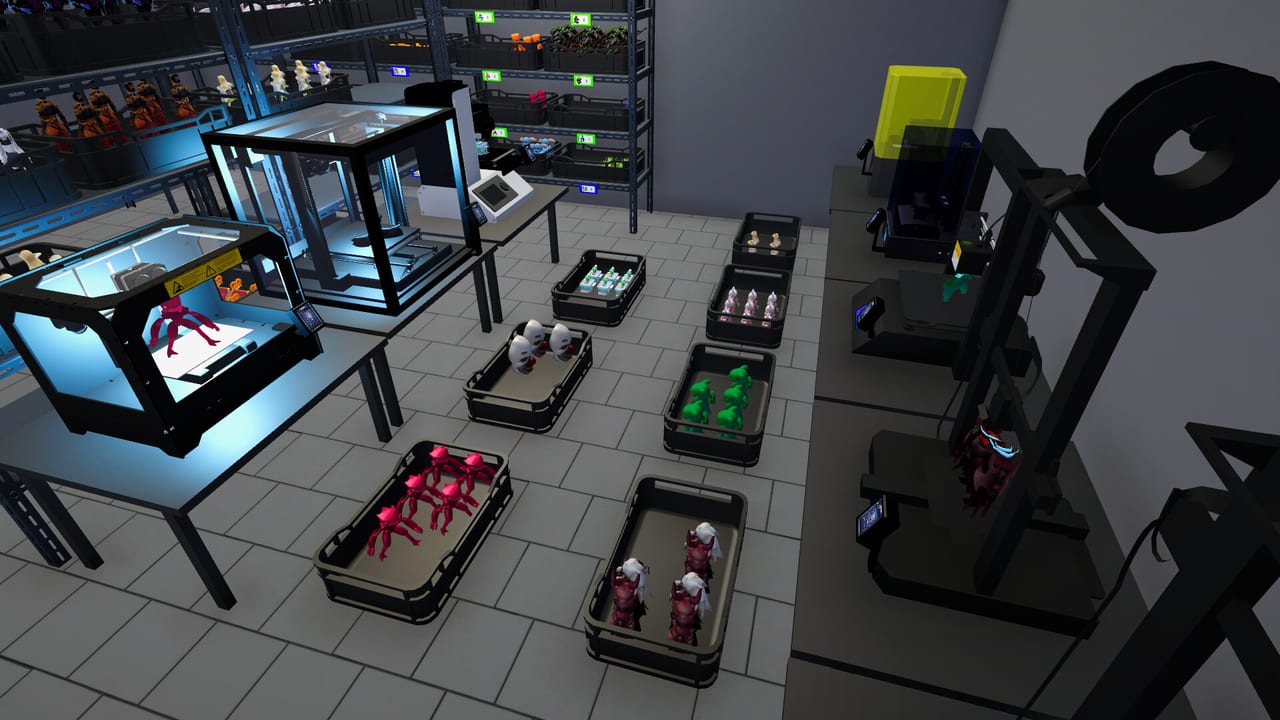
The Printer Engineer is the late-game production specialist added with the v0.7 online sales update. Where basic printer workers leave Epic machines needy, the engineer pushes exclusive production toward true delegation.
Why the role exists
Epic printers are slow, large, and filament-hungry. Manual babysitting conflicts with online order volume. The engineer closes that gap so you can focus on merchandising and expansion.
Hiring prerequisites
- Popularity high enough for the late employee tier
- At least one Epic printer placed
- Filament reserves for exclusives
- Warehouse and Epic shelves ready (Shelf Management)
After hiring
Confirm Epic queues actually run unattended in your build. Keep comments open for missing Epic names (Epic Figures). Pair with Online Sales.
Related
Printer Worker, Automate Production, Epic Printer.
Role in the org chart
Think of printer workers as generalists and the engineer as the Epic specialist. You still set strategy: which exclusives deserve bays, which can wait.
Online sales synergy
Engineers exist because online demand and Epic craft times collide. If you never enable online sales, the engineer is still useful but less urgent. If you main online orders, the engineer is nearly mandatory.
Verification after hire
Watch one full Epic cycle. Confirm filament levels move without you. Confirm finished exclusives reach shelves via stockers. Only then trust AFK stretches.
Prestige goals
Engineers unlock the practical path to Epic collection completion and several late achievements. Pair with Epic Figures and the checklist tool.
Session takeaway for Figure Shop Simulator Printer Engineer Guide
Verify one full unattended Epic cycle before trusting long AFK stretches.
When this page stops answering your current bottleneck, jump to the linked sibling articles in the same category rather than rereading the entire wiki. Figure Shop Simulator rewards focused fixes: filament, shelves, staffing, or pricing—one lever per day usually beats five half-finished remodel projects.
Specialist verification
After hiring, watch one full Epic cycle end-to-end: filament draw, job completion, stocker shelving. Only then AFK. Engineers do not replace standard Printer Worker coverage for the bulk catalog.
Online-heavy saves feel the engineer value first; offline cozy saves can delay the hire until Epic exclusives become central merchandising.
Org chart clarity
Printer workers are generalists; engineers are Epic specialists. You still choose which exclusives deserve bays. After hire, confirm online order volume no longer forces you to babysit laser jobs during every rush—otherwise revisit Online Sales capacity planning.
Deep dive sidebar for Figure Shop Simulator Printer Engineer Guide
Players searching for Figure Shop Simulator Printer Engineer Guide usually arrive with a single pain point: empty shelves, slow Epic jobs, confusing staff, or uncertain prices. Answer that pain with one change, then measure popularity and cash across the next full day in Figure Shop Simulator. If both metrics improve, lock the habit. If not, read the sibling link that matches the new symptom instead of stacking five half-finished remodel projects.
For staff-printer-engineer, write a three-line journal entry after the session: what you clicked, what resource stayed healthy, and what still broke. That journal becomes more valuable than rereading the entire wiki. Keep filament, warehouse trays, and auto refill as the universal foundation even when this page focuses elsewhere, because those three foundations silently support almost every advanced system from online orders to premium-only achievement pushes.
Finally, schedule a weekly review against Patch Notes so advice on Figure Shop Simulator Printer Engineer Guide stays aligned with your live build. Early Access tips age quickly; 1.0 quality-of-life options can change how aggressively you chase automation. Unique closer for staff-printer-engineer: lock today’s lesson into tomorrow’s opening checklist before buying more furniture.
Frequently Asked Questions
Quick answers to the most common questions.
When was the Printer Engineer added?
With the v0.7 update that also launched online sales and economy tweaks.
Do I still need printer workers?
Yes. Engineers specialize toward Epic; standard workers still cover the bulk catalog.